Features
Everything the Foundry does, from the first label on an issue to the daily release, with screenshots of the real app.
The pictures on this page are made from test data: the repository acme/app and runs named "Seeded … run".
From issue to merged code#
Put one label, Factory_go, on an issue or a whole epic. The Foundry asks its questions up front, then builds each
story in dependency order: plan, review of the plan, code, tests, code review, docs, merge. Stories that are too big
are split into smaller ones automatically, and you can follow every step on the issue itself.
- Questions first. Open questions are asked on the issue before any code is written. Reply with your answers, or
with
/defaultsto take the recommendations. - Risk-gated plans. Every plan gets a risk score from 0 to 100. Above the threshold, the plan waits for your
/approveor/reject. - Gitflow. Each story on its own feature branch, merged into
developwhen it is done. Once a day, one pull request fromdeveloptomainfor you to merge.
How-to: let the Foundry build your GitHub issues · answer questions and approve plans · hand it an epic
Always clear what happens next#
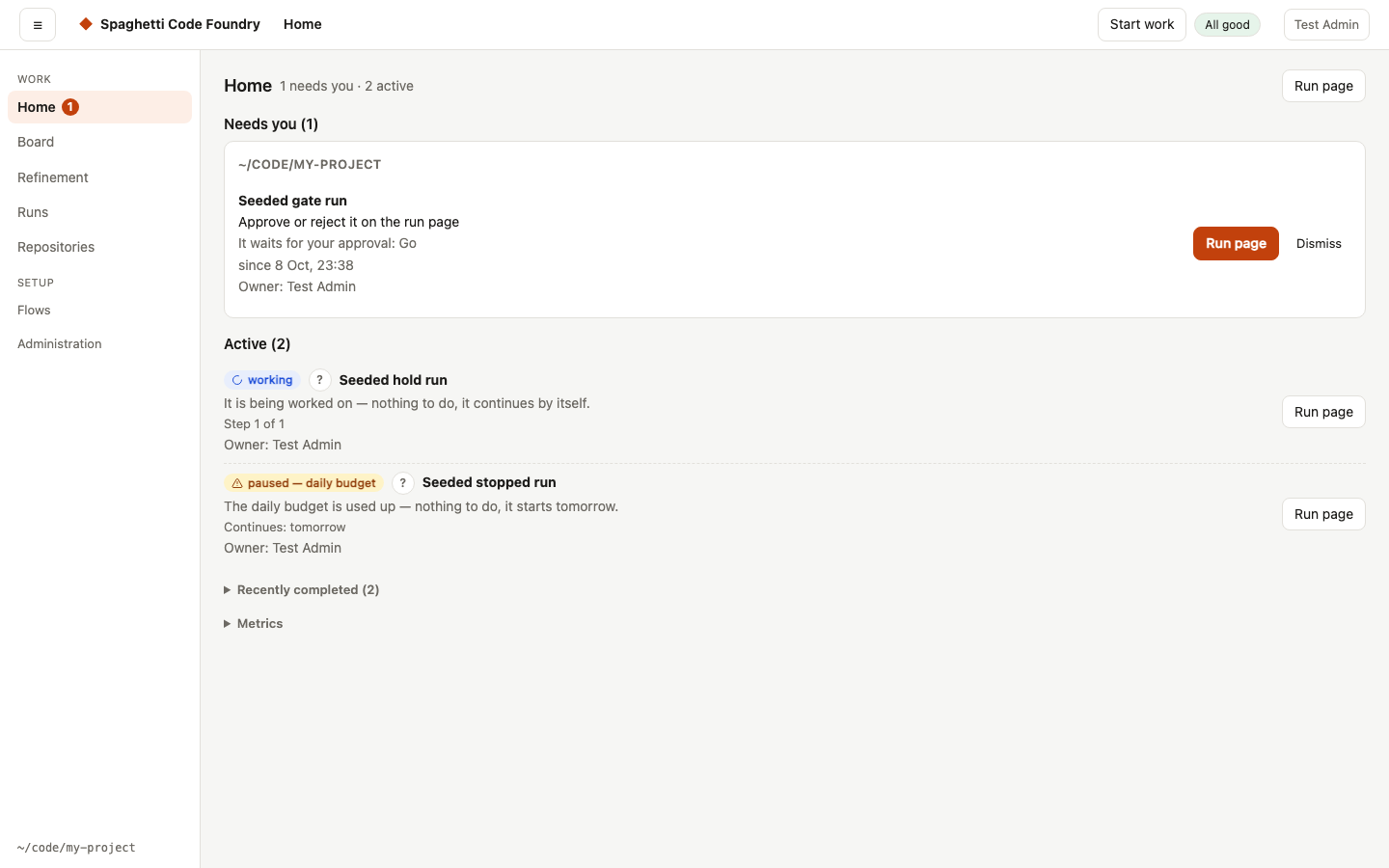
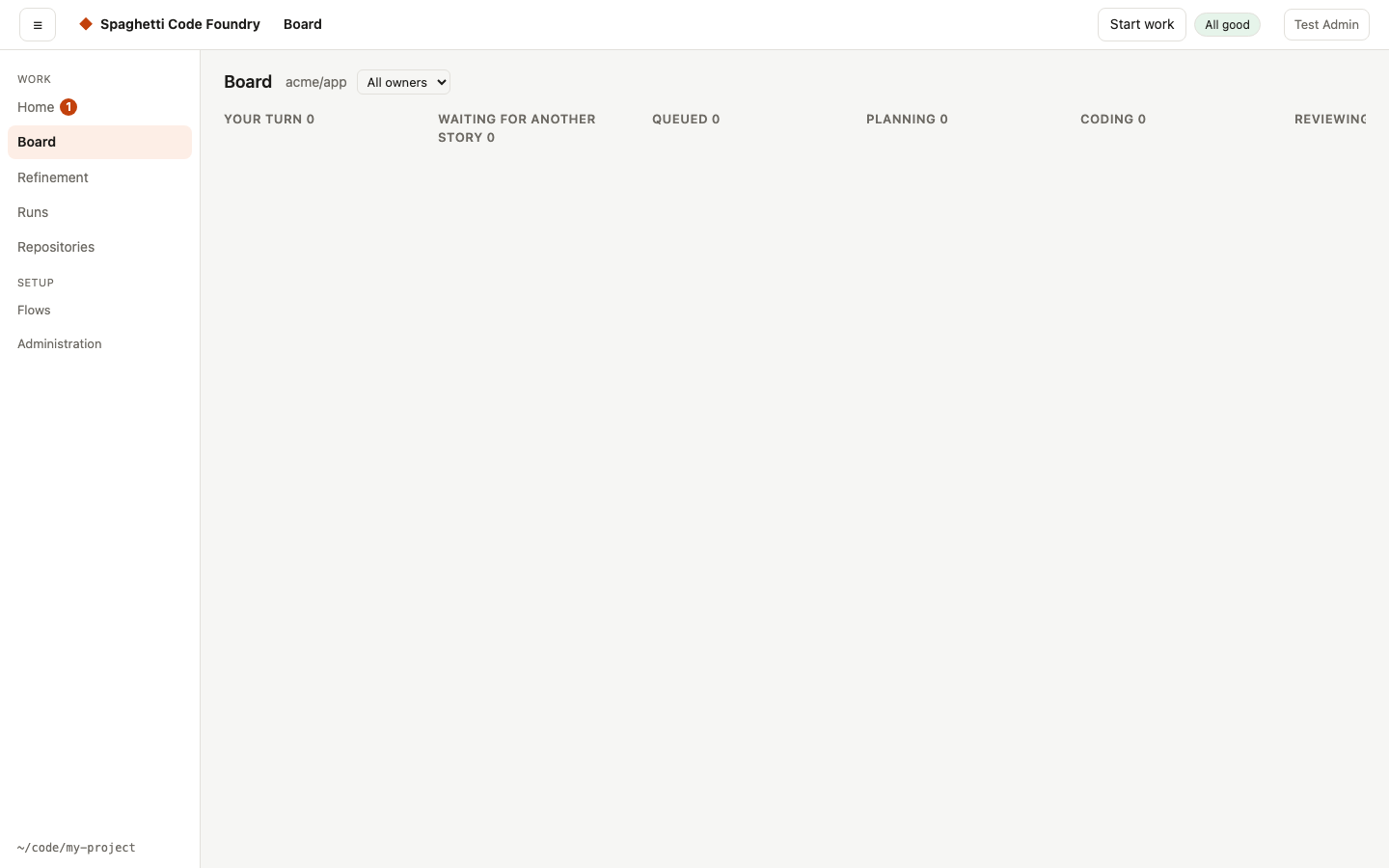
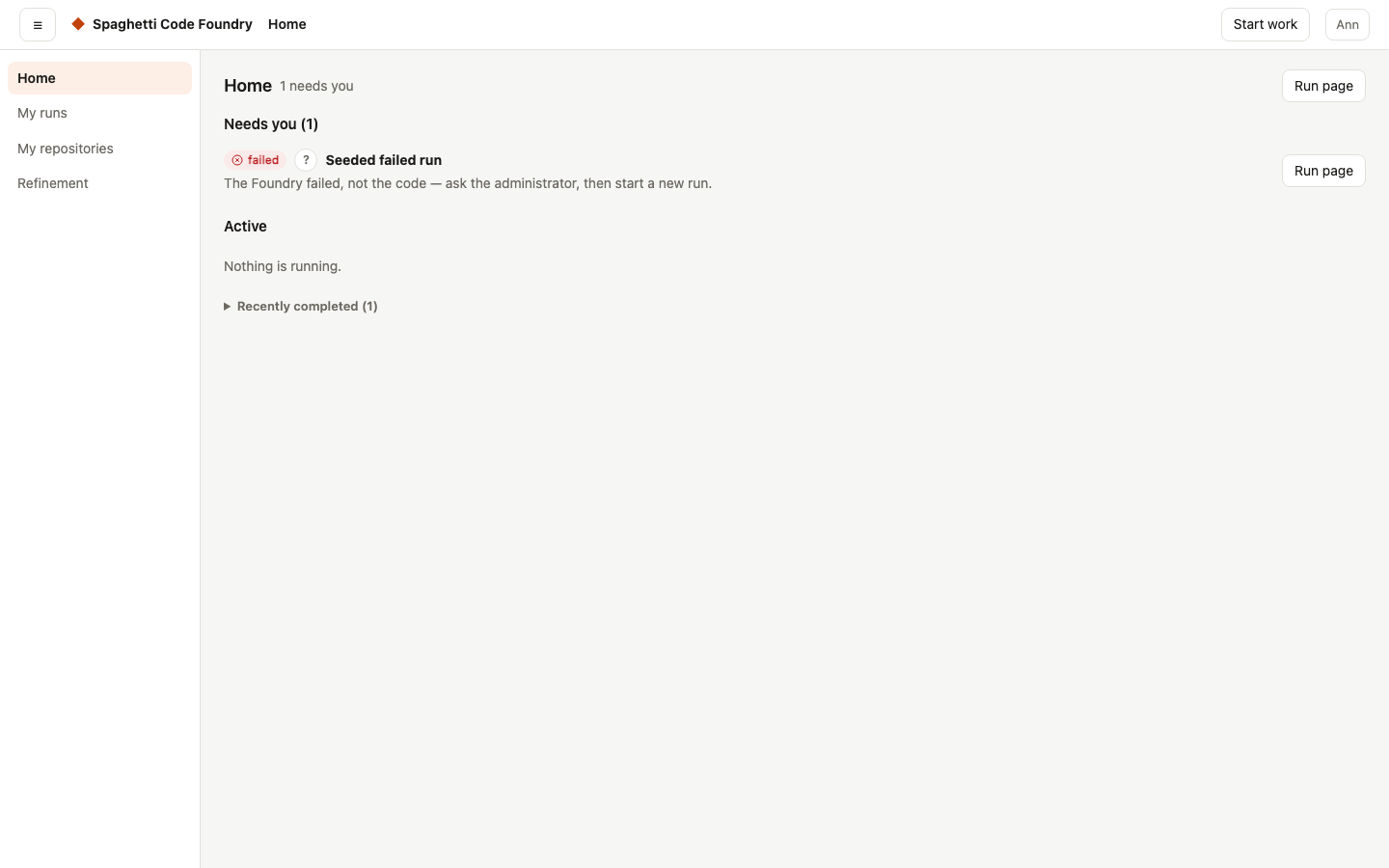
Home shows first what waits for you, with one button each. The board shows where every story is, who has the next move and why. A health line says when something is wrong with the Foundry itself, not with your code.
How-to: follow your work on Home and the board
Several stories at once#
Runs lock the parts of the code they change, so stories in different areas are built in parallel without merge conflicts. Stories that depend on each other wait for each other.
Every run, visible#
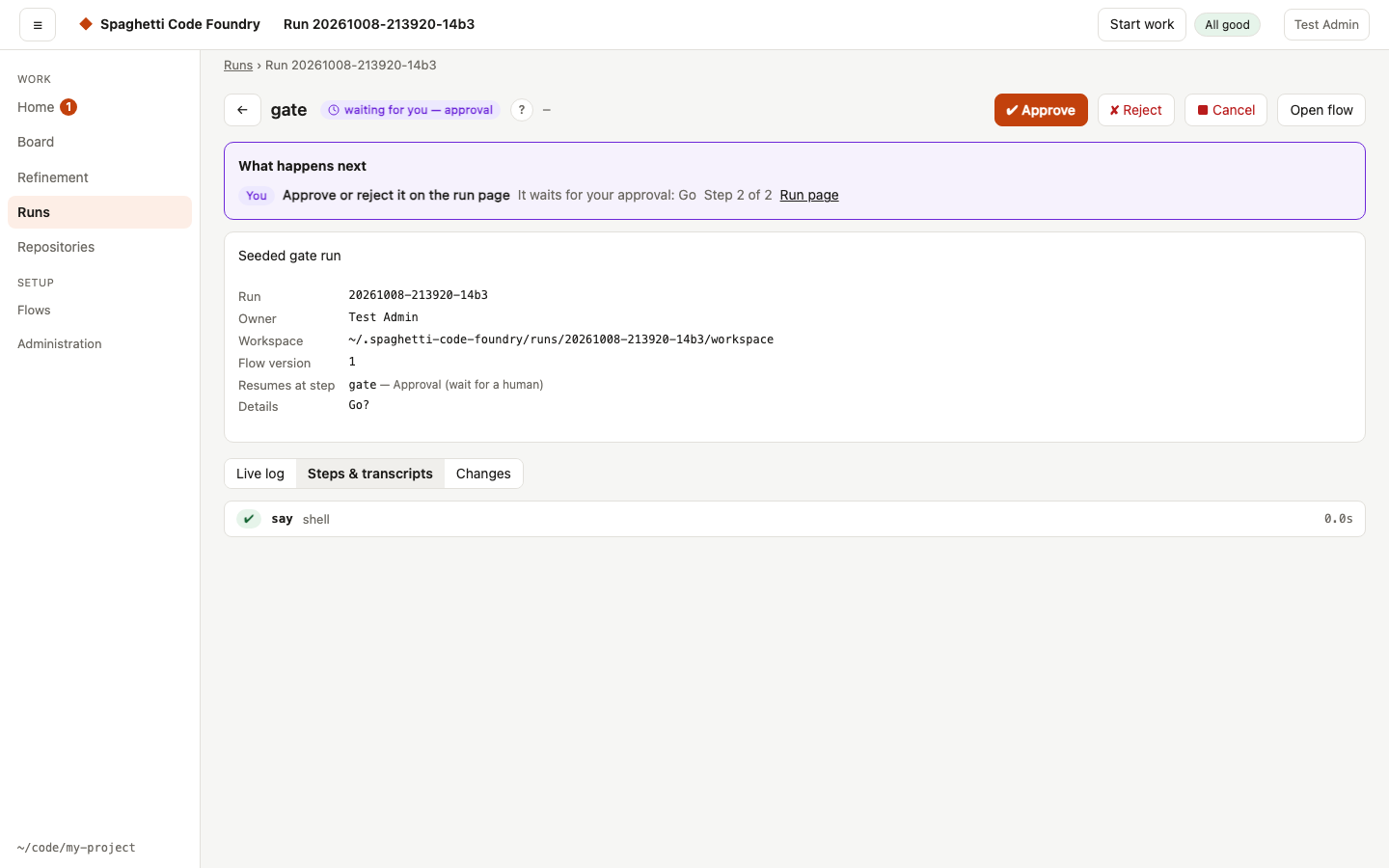
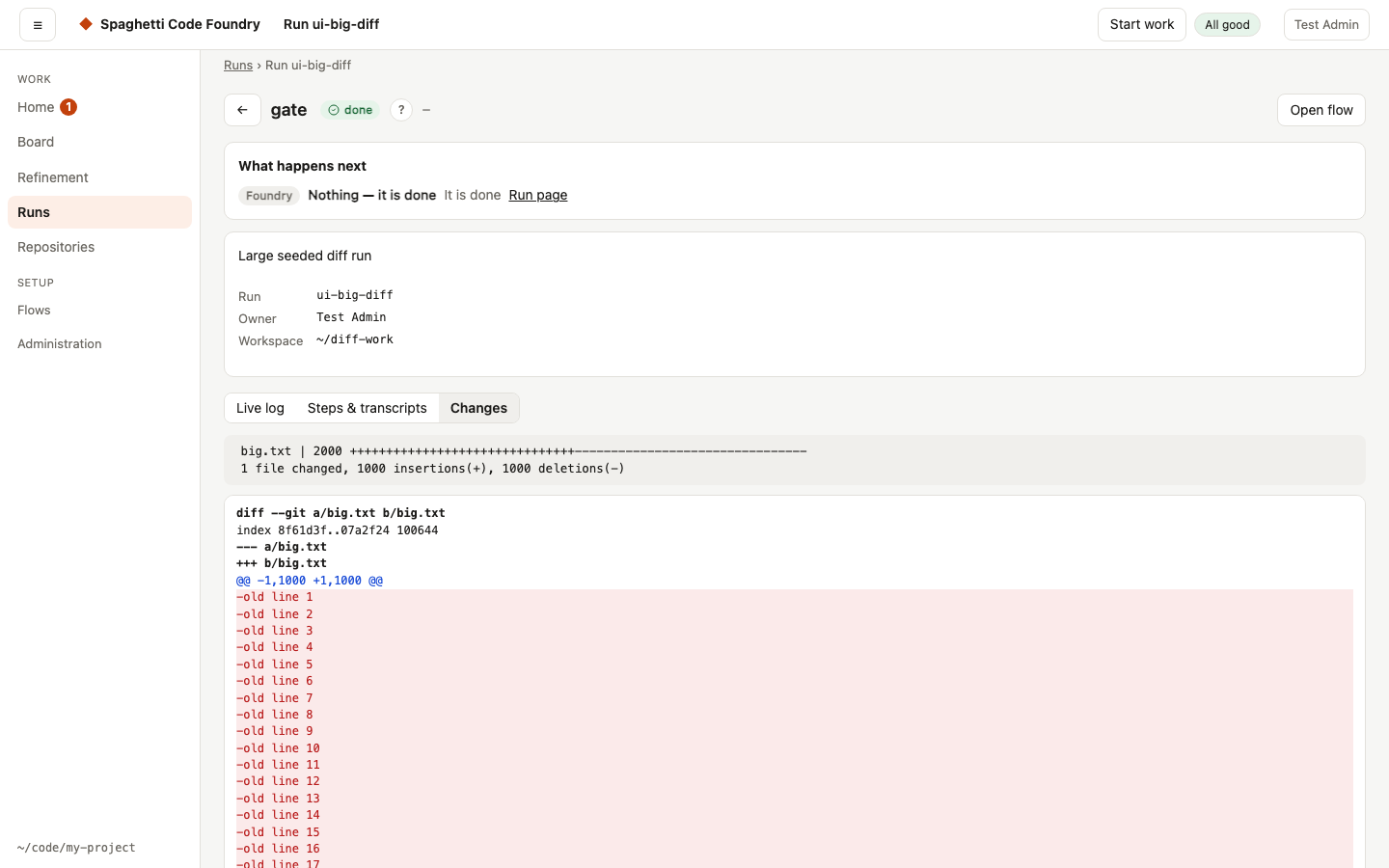
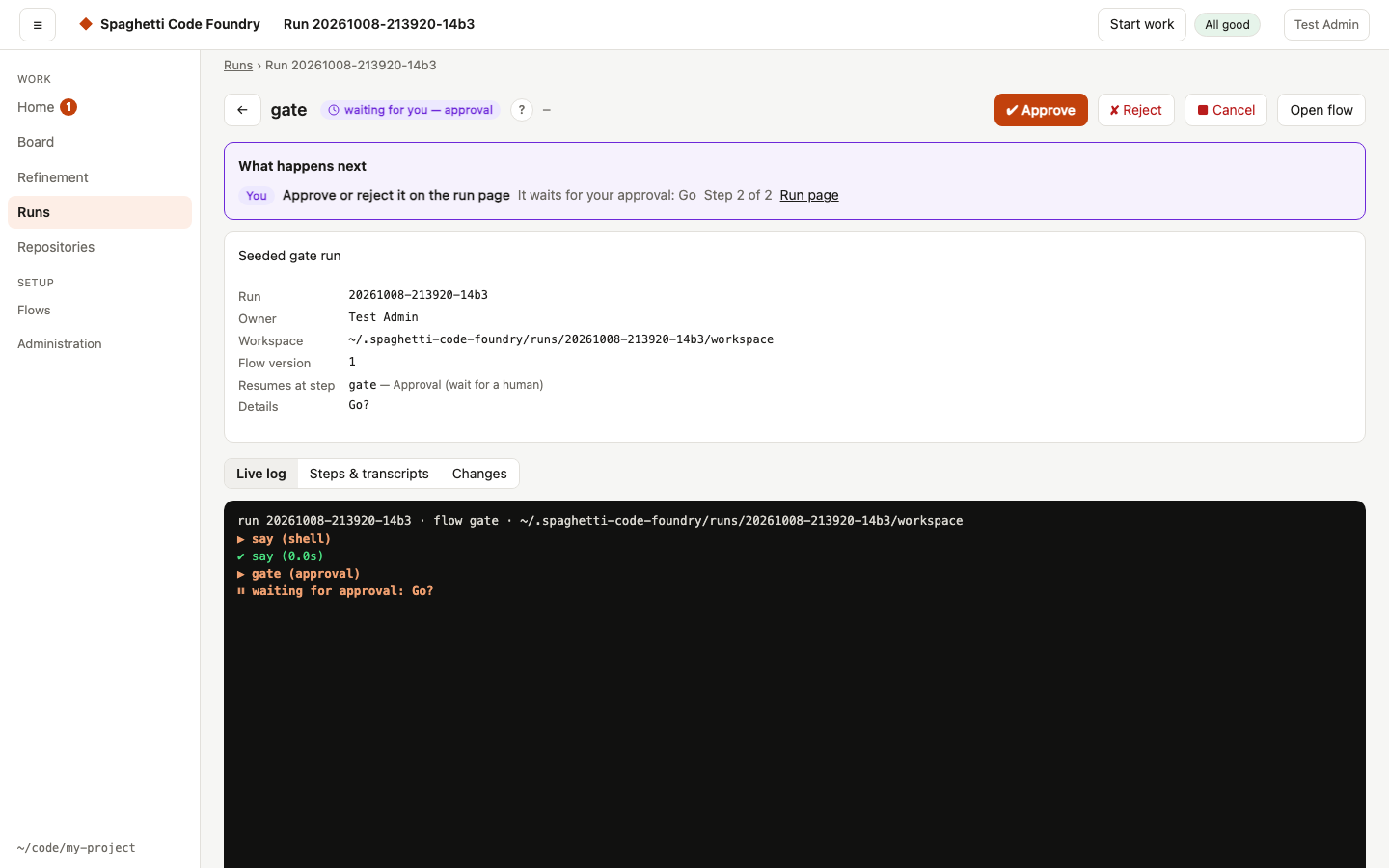
Live logs, readable transcripts of every agent step, the diff of the changes, and resume, retry and approve buttons. When something goes wrong, the run page says what happened and what you can do.
How-to: resume, retry or approve a run
Two agents, any model#
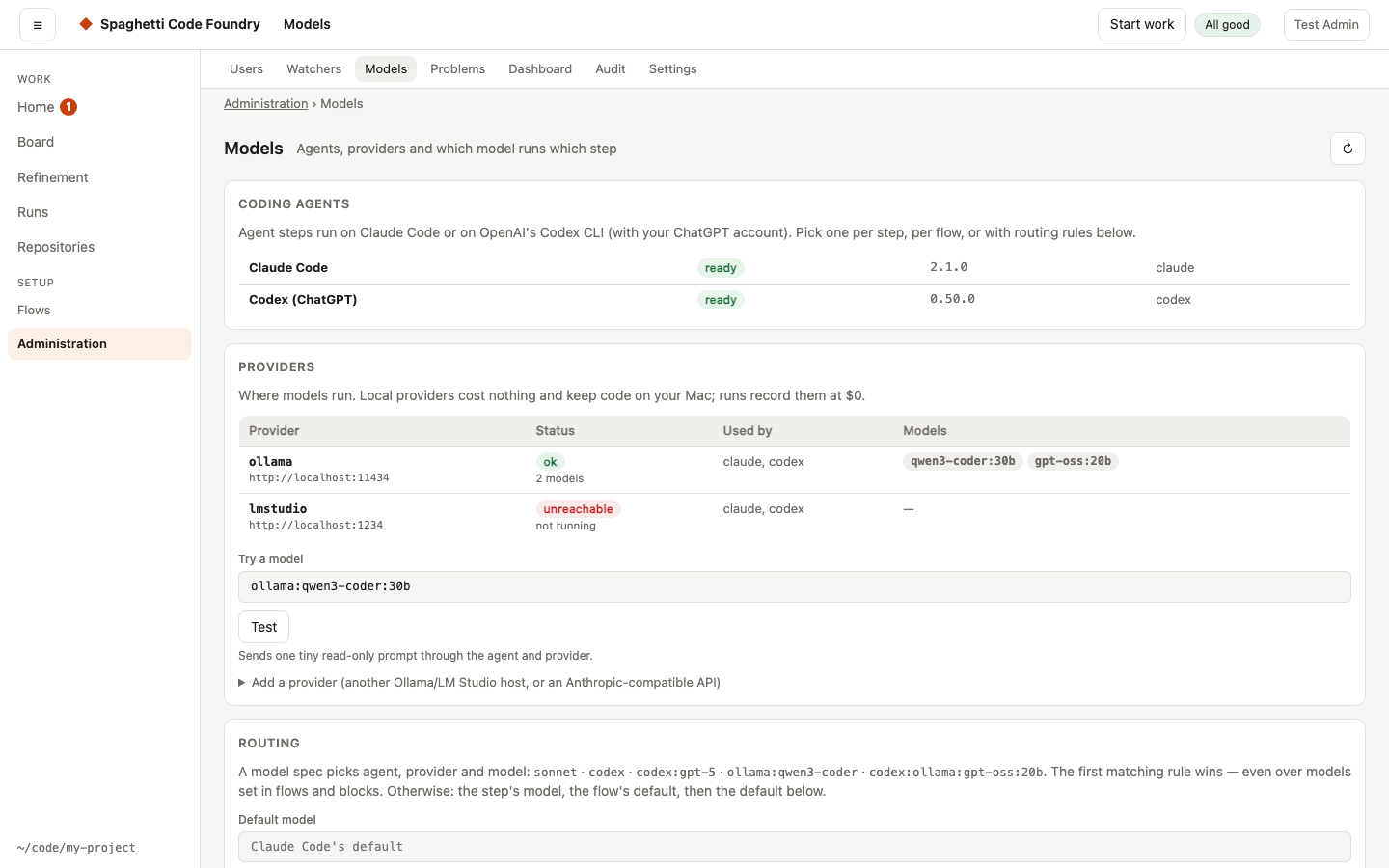
Steps run on Claude Code or OpenAI's Codex CLI, on Anthropic, OpenAI or local models such as Ollama and LM Studio. The shipped flows let one vendor's model review the other's work. Routing rules pick the model per step, with fallbacks when a model hits a limit.
How-to: choose models and routing
Your own flows#
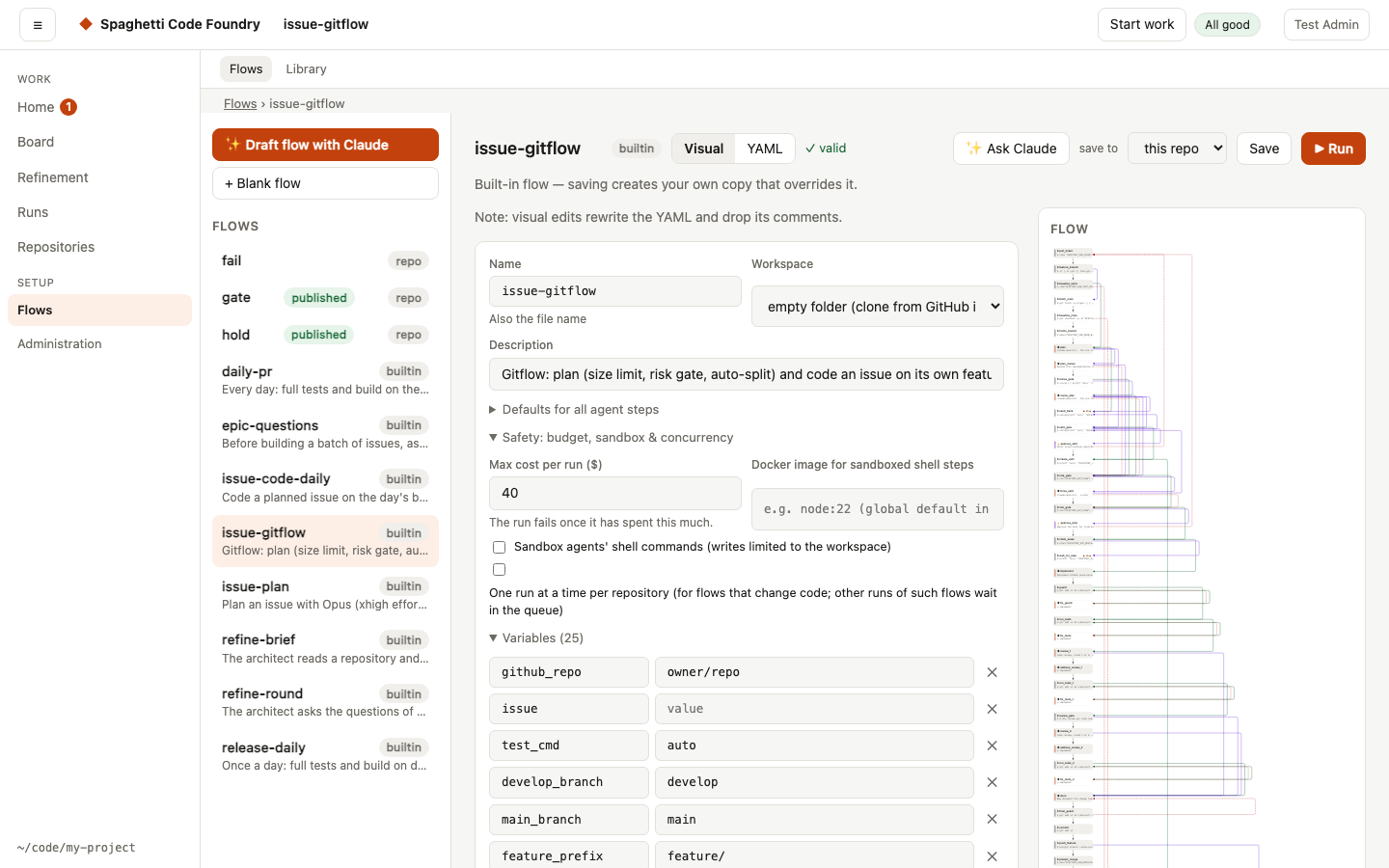
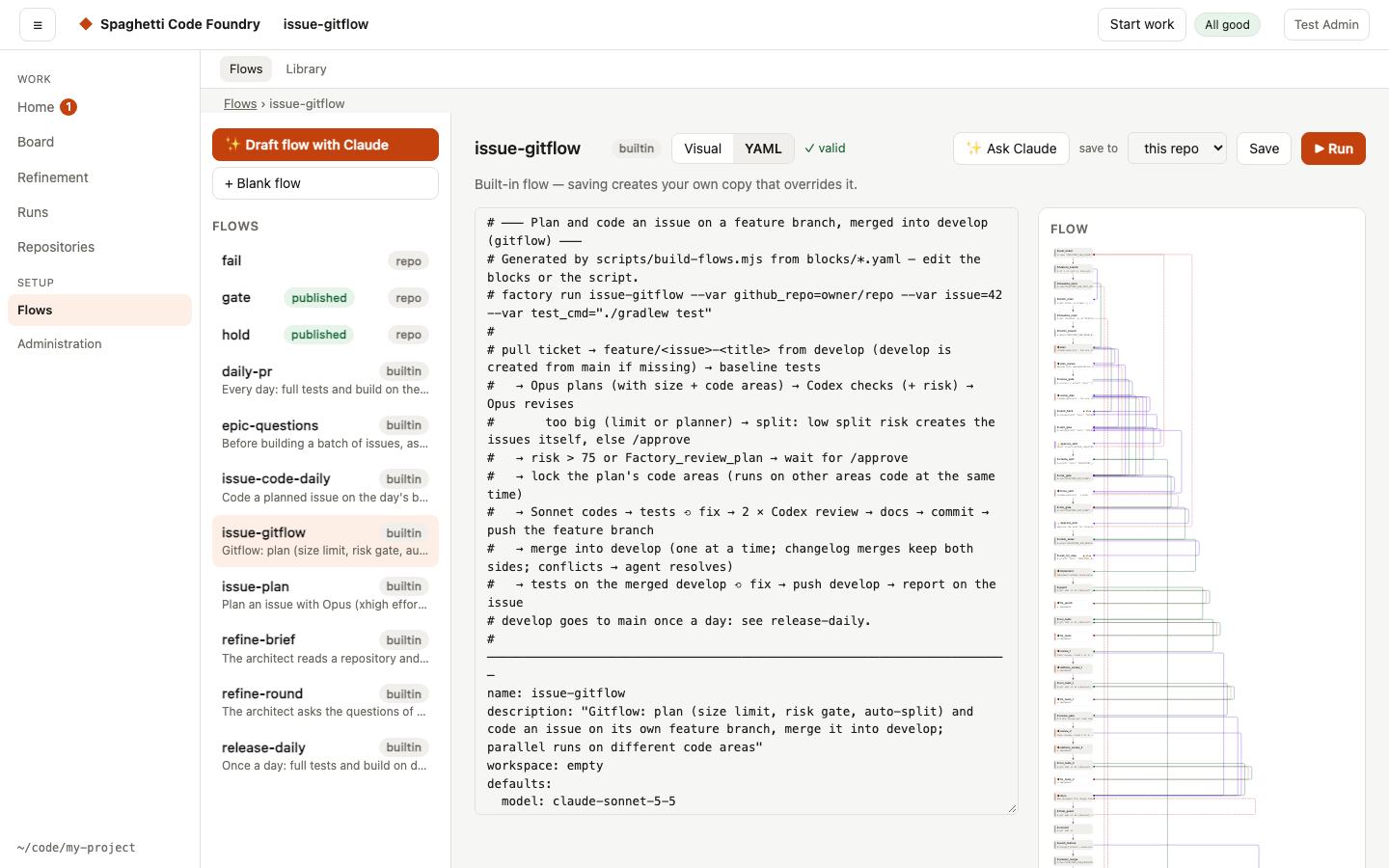
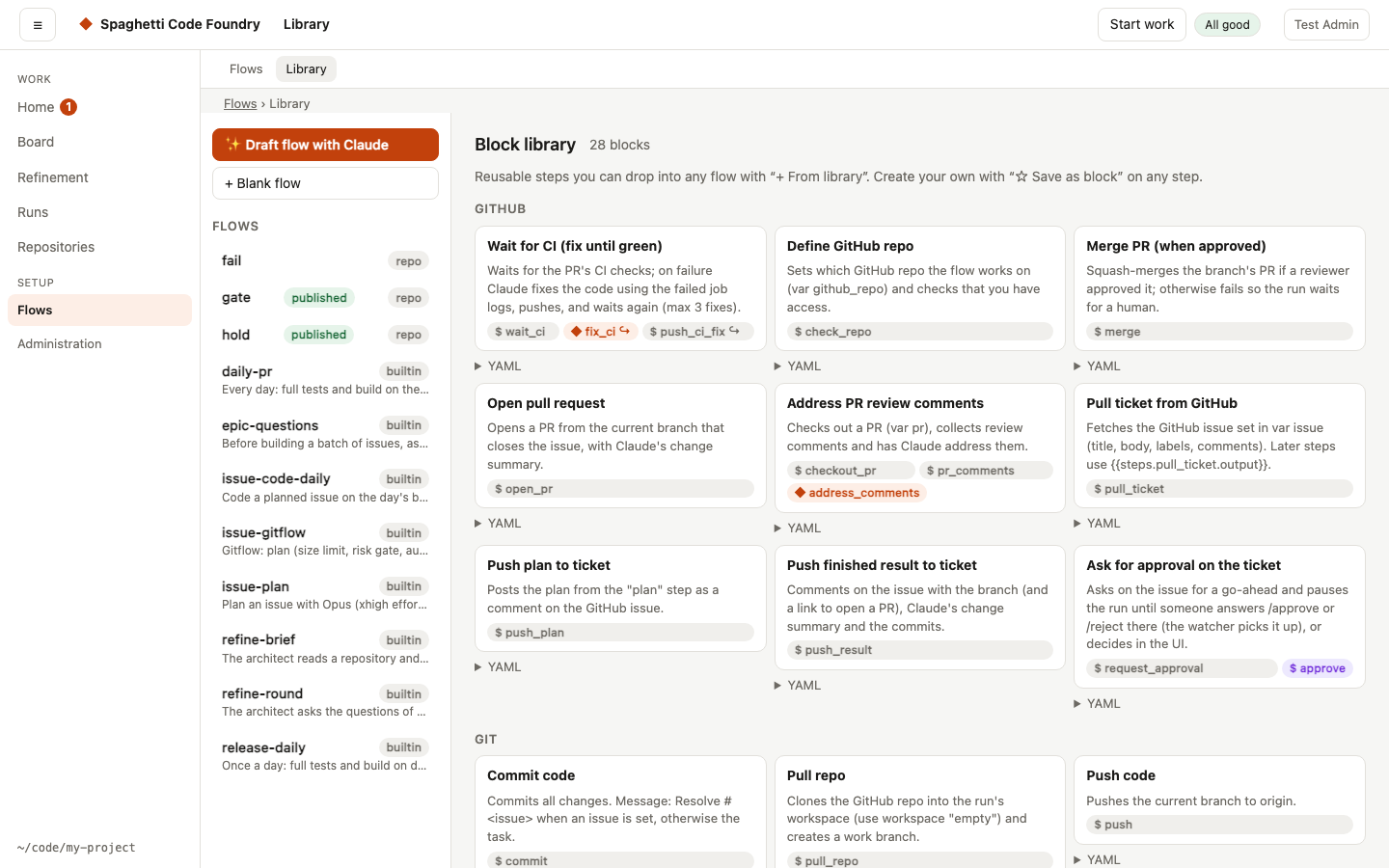
Work is described as flows: YAML pipelines of agent steps, shell steps, approvals and branches. Edit them
visually or as YAML, reuse steps from the block library, or give the flow format reference to any
AI assistant and let it write one. scf validate checks the result.
How-to: write your own flow
Watchers: work that starts by itself#
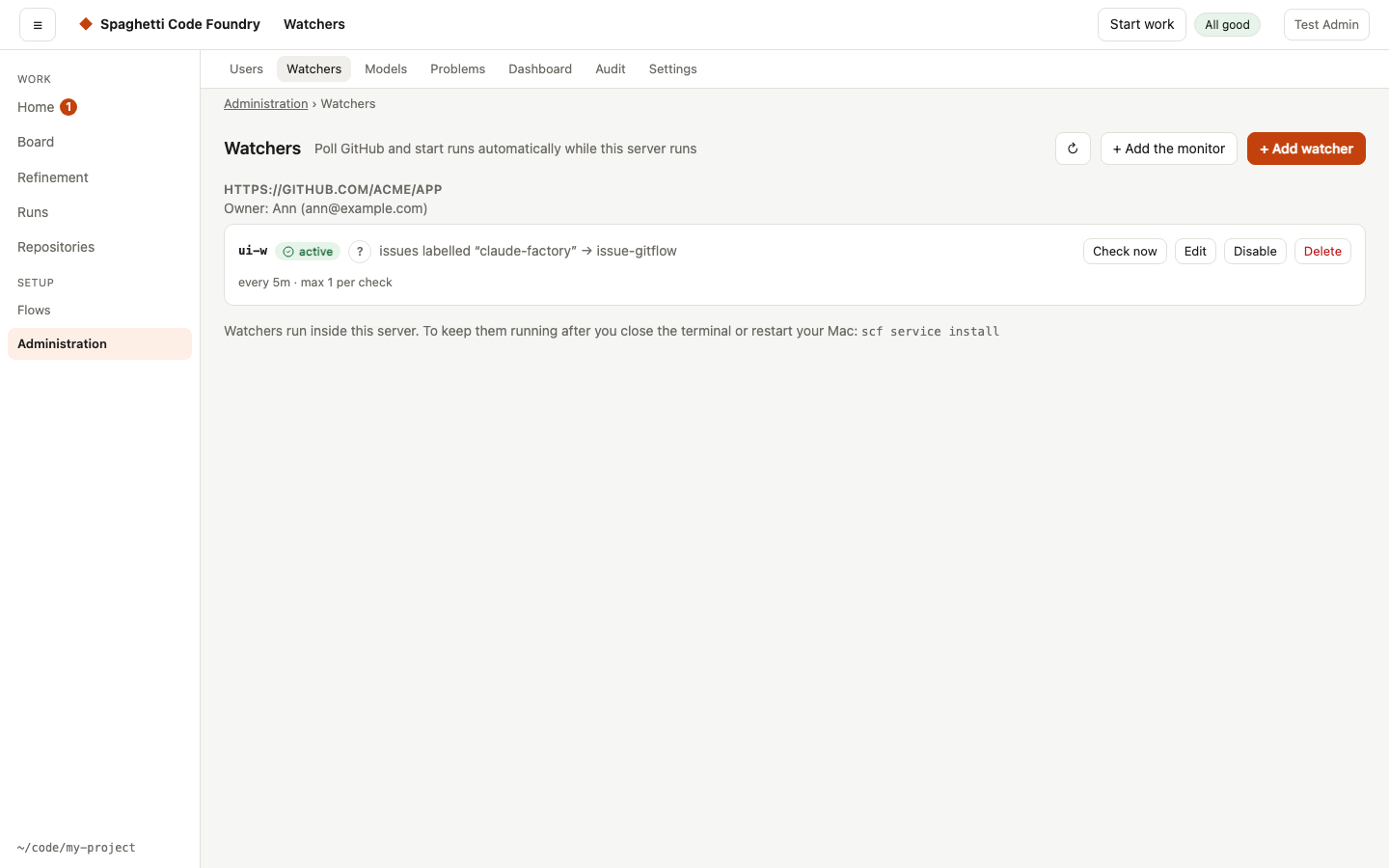
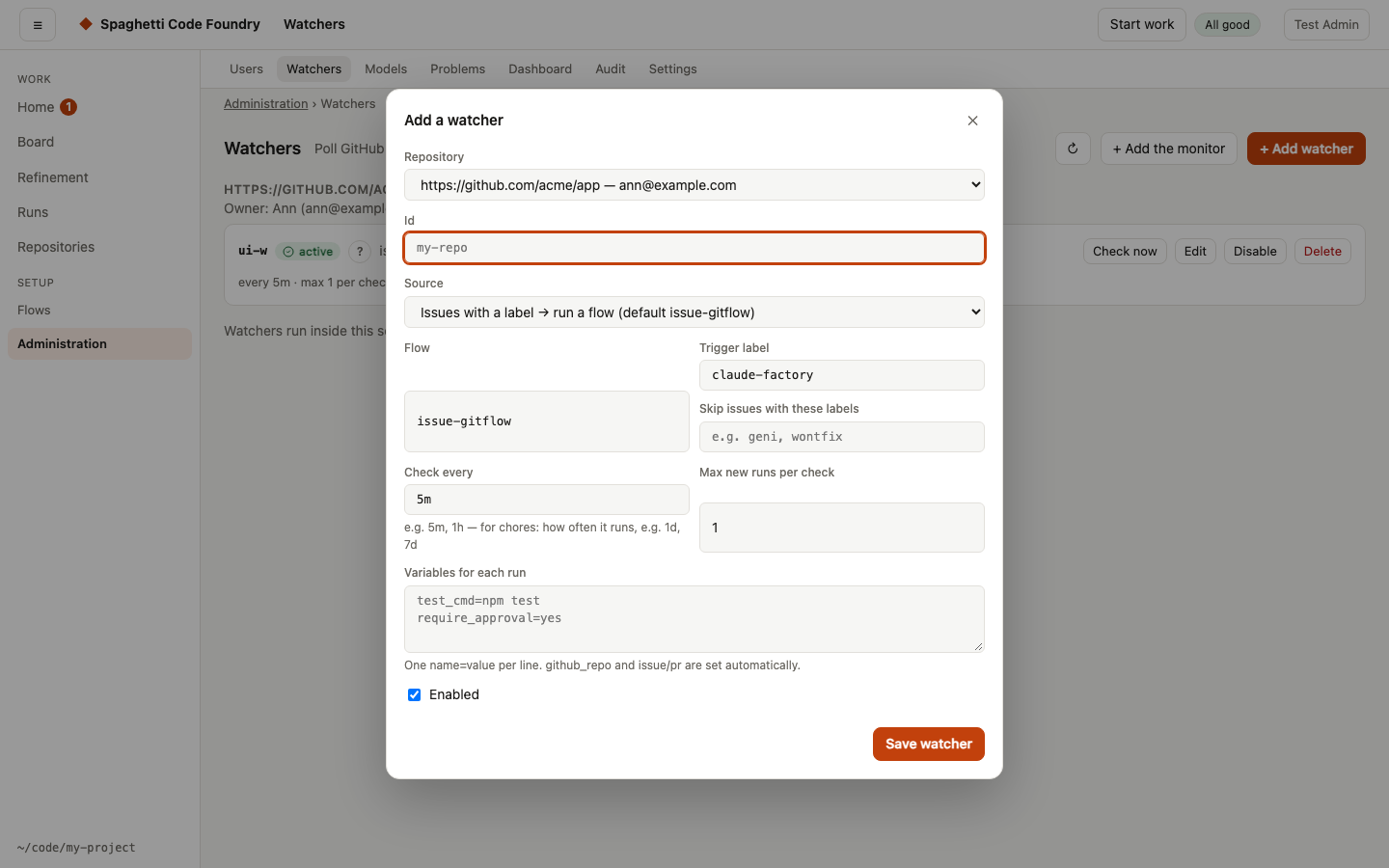
A watcher starts a flow from a GitHub issue that gets a label, a review comment on a pull request, a red CI build or a schedule. The Foundry also watches itself: a monitor reports problems with the Foundry, and an optional self-repair loop turns them into bug stories.
Refinement: better stories in, better code out#
Refinement helps you turn an idea, or an existing issue, into stories that are ready to build. An AI architect reads your repository, asks the questions that matter, suggests text for each draft and checks it against your Definition of Ready. You publish the stories to GitHub when they are ready.
How-to: refine ideas into stories
Accounts, roles and repositories#
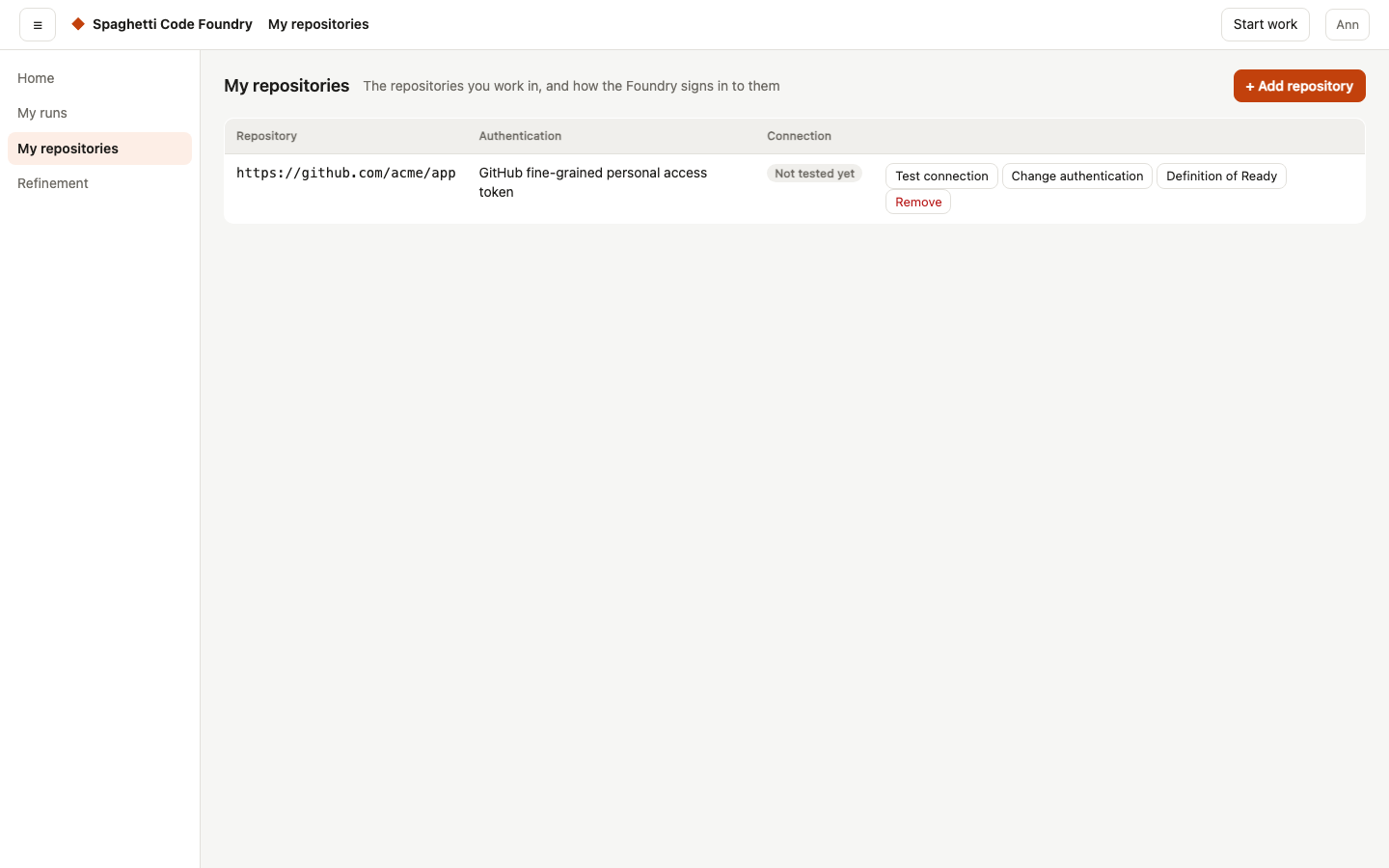
An admin makes flows, watchers and settings. Users run the flows the admin published, on their own repositories, and see only their own runs. Each repository can have its own sign-in: a fine-grained token, a deploy key or the GitHub App.
How-to: invite users and set roles · connect a repository
Safe by default#
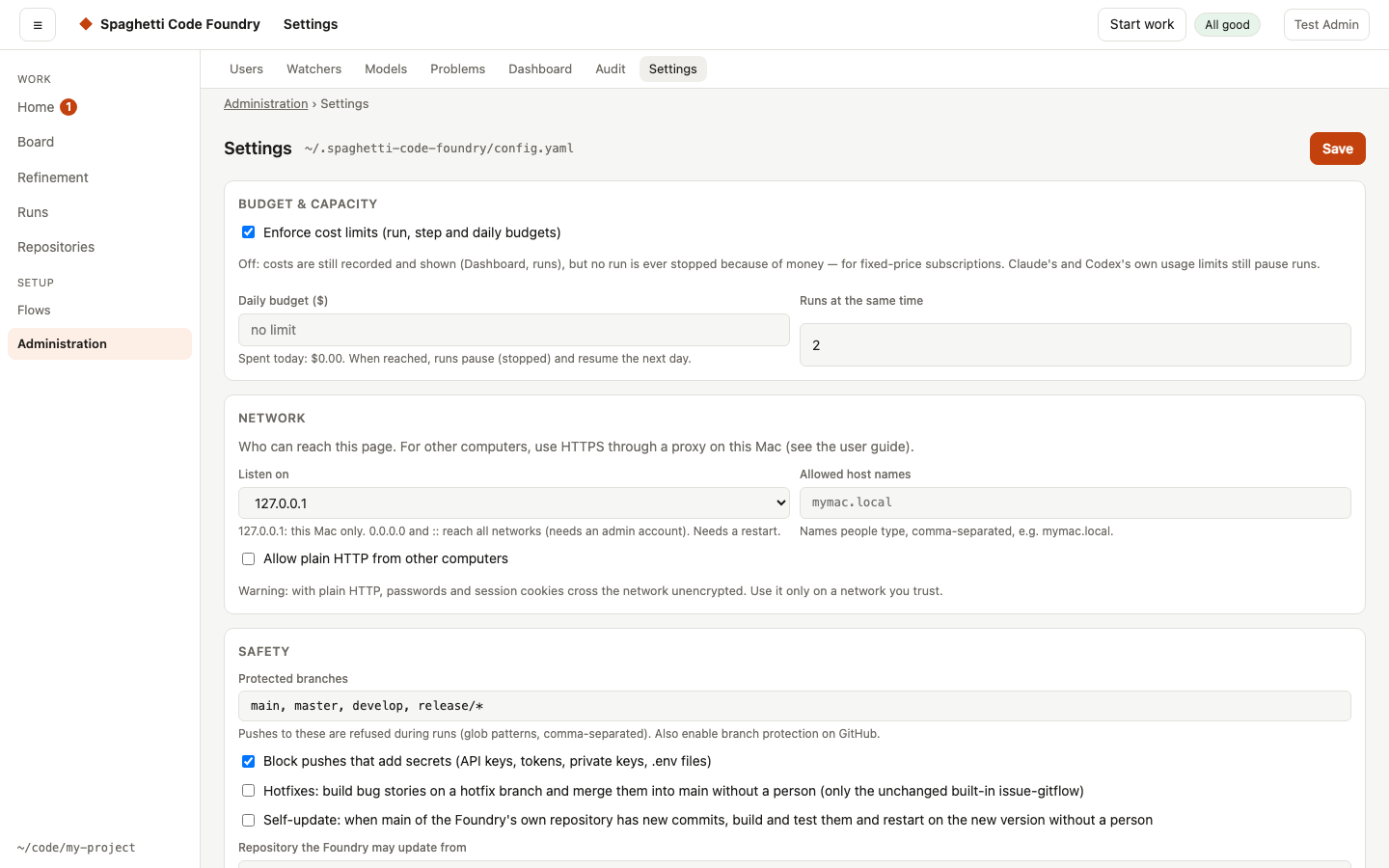
Every run works in its own copy of the code. Pushes to protected branches and pushes that contain secrets are blocked. Add approval steps, budgets and sandboxing where you want them. The security page describes the threat model.
How-to: keep your code and secrets safe
Costs you can see#
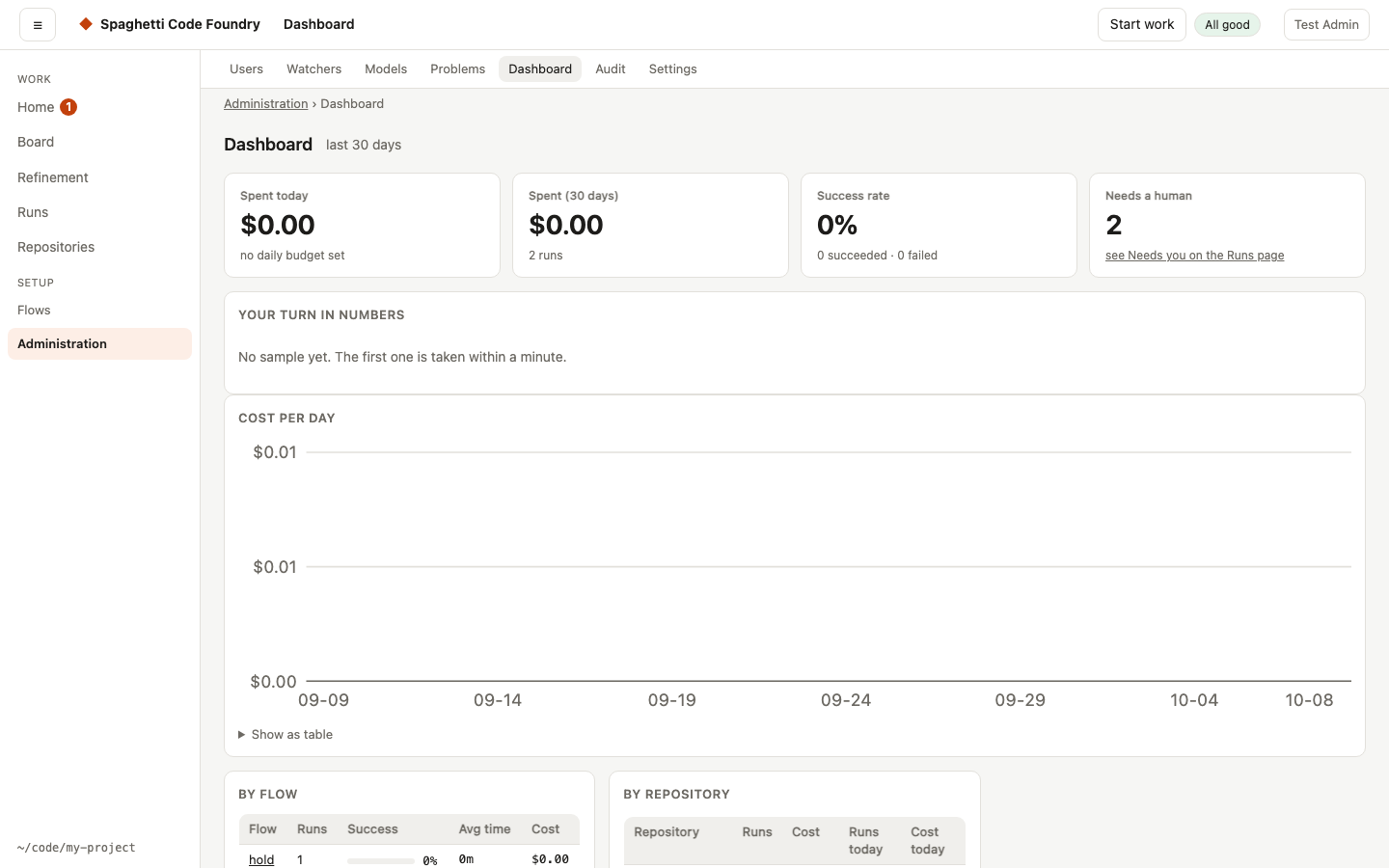
The dashboard shows what runs cost, how often they succeed and where time goes. Budgets per run, per day and per account keep spending in bounds, and evals compare flows and models on the same sample tasks.
How-to: control costs
Everything from the command line#
Everything the web interface does is also a command: scf login, then for example scf runs list or
scf turn list. The Foundry can run as a macOS login service and update itself when you merge a release.